

Drawing Finder Plugins
Discover Simpson Strong-Tie plugin options
To download our plugins, please fill out the form located at the bottom of this page.
About our plugins
Our Drawing Finder plugins allow you to insert Simpson products directly into your drawings by pulling the most recent content from our website.
Drawing Finder for Bluebeam is a library of PDF files that are available for use within Bluebeam for the creation of Tool Sets.
The IntelliCAD plugin allows you to quickly download the most recent Simpson Strong-Tie product drawings directly into your design, for a more efficient workflow
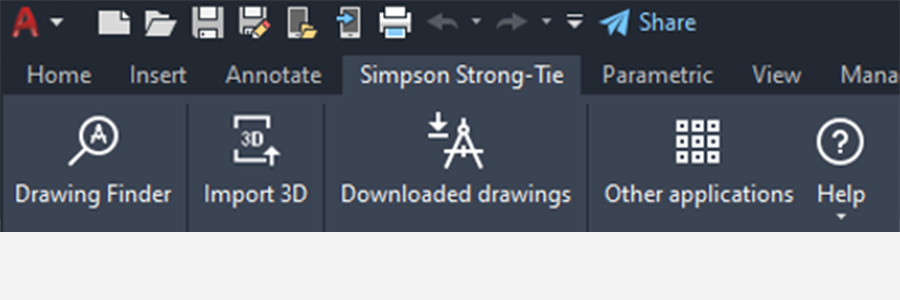
Drawing Finder for AutoCAD®
The Simpson Strong-Tie Drawing Finder for AutoCAD Plugin allows you to insert Simpson products directly into your AutoCAD drawings by pulling the most recent content from our website.
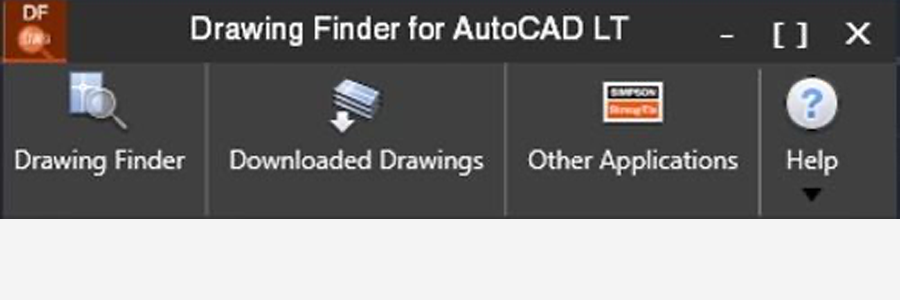
Drawing Finder for AutoCAD LT®
The Simpson Strong-Tie Drawing Finder for AutoCAD LT Plugin allows you to insert Simpson products directly into your AutoCAD drawings by pulling the most recent content from our website.
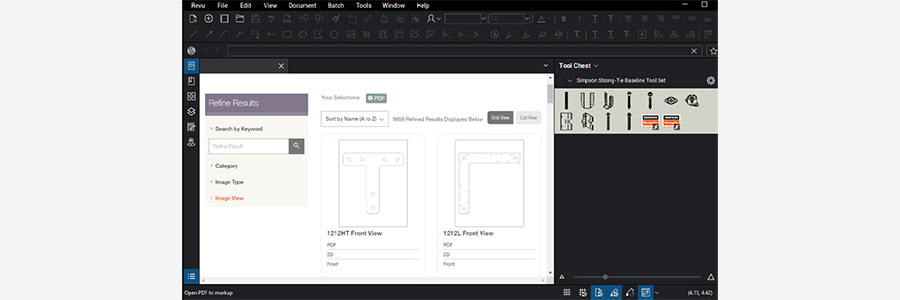
Drawing Finder for Bluebeam®
Bluebeam Revu is a PDF markup and editing software designed specifically for the AEC industry that allows for greater collaboration and efficiency — anytime, anywhere.
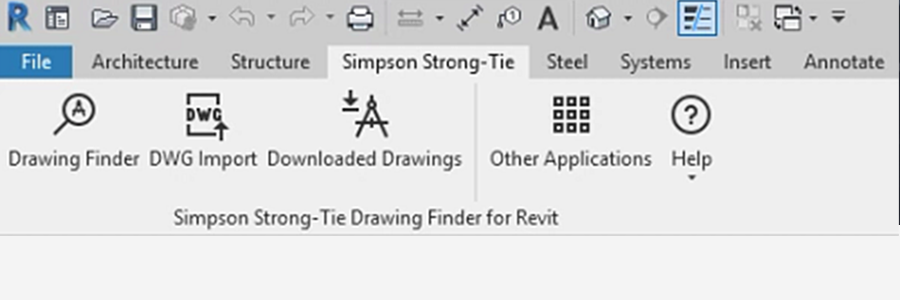
Drawing Finder for Revit®
The Simpson Strong-Tie Drawing Finder for Revit Plugin allows you to insert Simpson products directly into your Revit drawings by pulling the most recent content from our website.

Drawing Finder for Revit® LT
The Simpson Strong-Tie Drawing Finder for Revit LT Plugin allows you to insert Simpson products directly into your Revit drawings by pulling the most recent content from our website.
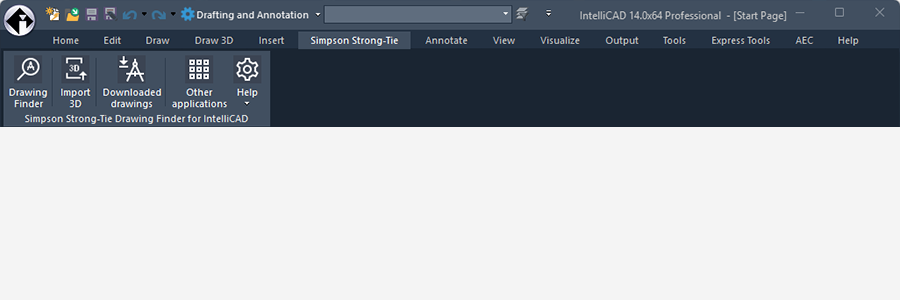
Drawing Finder for IntelliCAD
Drawing Finder for IntelliCAD