Simpson Strong-Tie Deck Planner Software™
Design Your Dream Deck Here
As a leader in structural wood connectors, Simpson Strong-Tie is a perfect partner to help you build a strong and safe beautiful deck that will last for decades. Our Deck Planner Software enables you to use deck design software to design a deck in just a few minutes. With this free web-based deck planning software, you don’t have to worry about complicated downloads or managing licenses. Just design your deck, print out your permit submittal pages and materials lists, and go. We even include a Dealer Location option so you know exactly who to visit within your area for your materials.
Note: Deck Planner requires Google Chrome, Firefox, Microsoft Edge, or Apple Safari browsers that are run from a desktop or laptop. The software will not run on mobile browsers or devices.
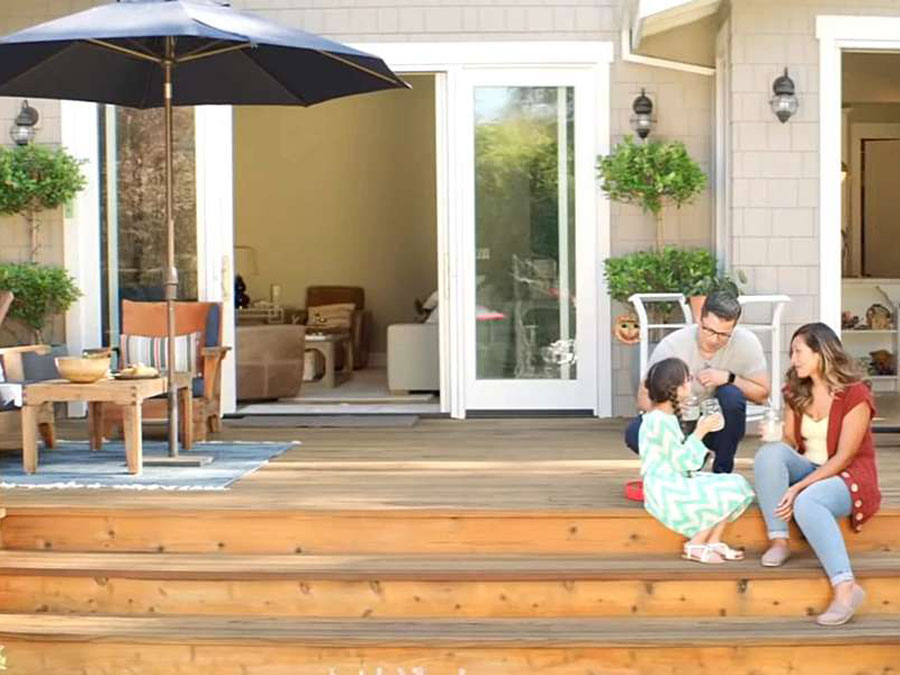
Design Tools
Deck Planner Software has pre-build deck templates you can choose from to help get you started. Once you begin your project, you can view the in-app tutorial for step-by-step instructions. The software automatically saves your design projects to your account.
With Deck Planner Software, you can design in 2D or 3D environments. Use the deck-shaping tools to insert specific deck dimensions to start your design project.
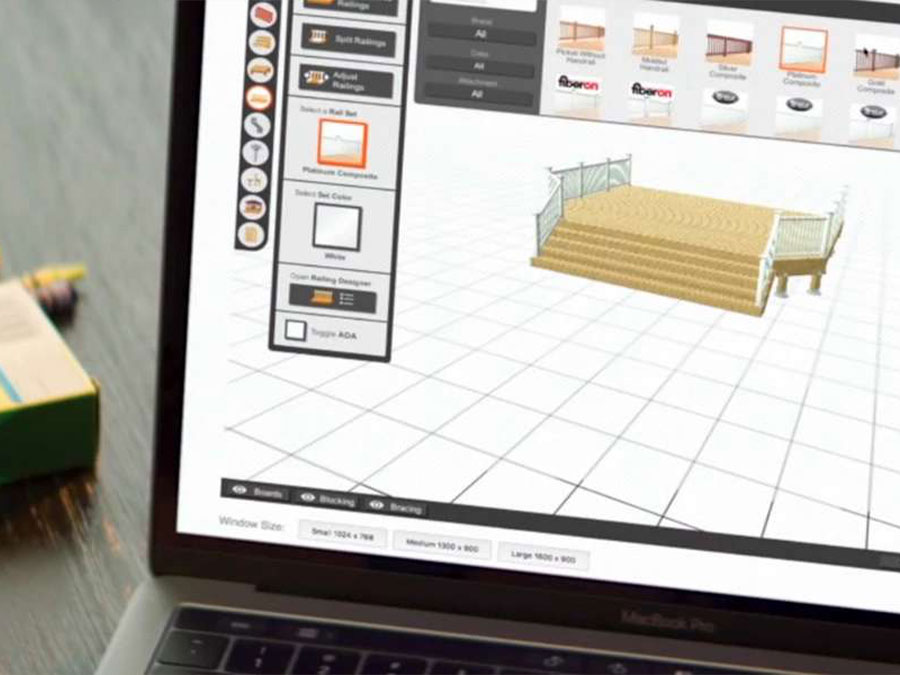
Materials Selection
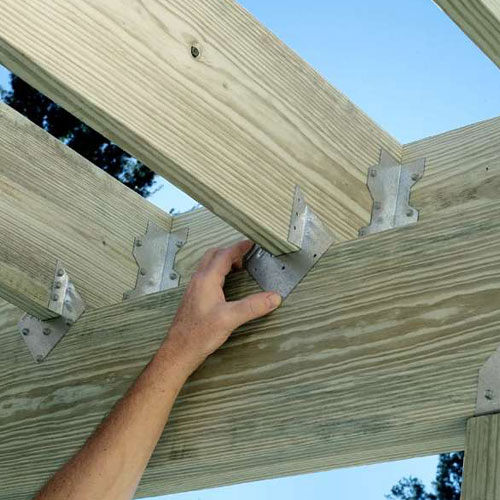
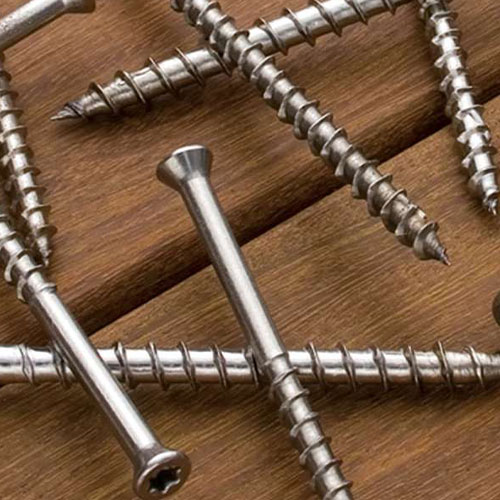
Select from a wide array of products from our library of connectors and fasteners and different wood species for your framing lumber. To complete your design, you can choose from a large collection of furniture, windows, doors, plants and trees.
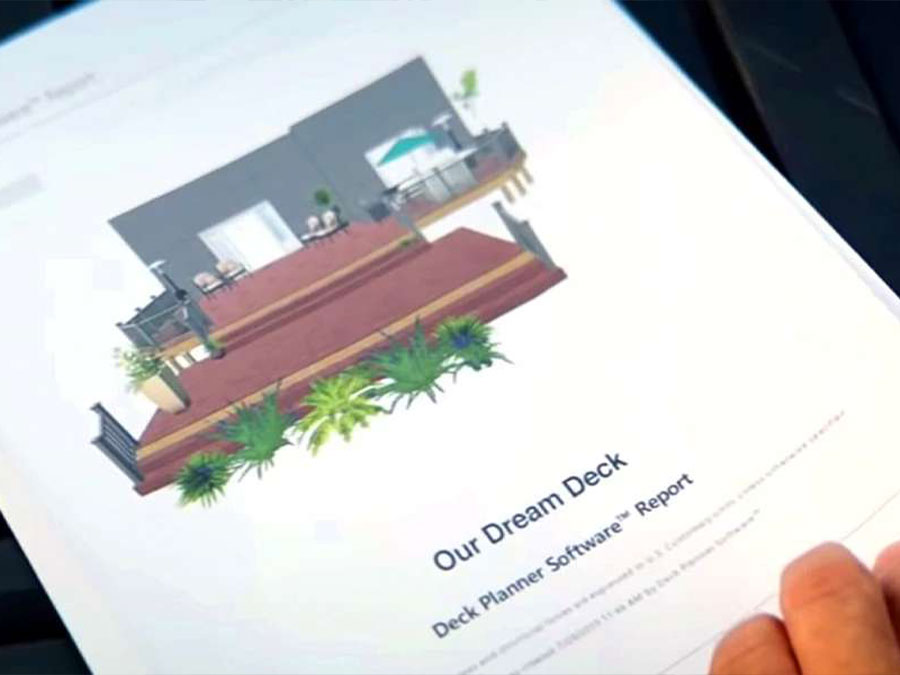
Plans and Materials Report
Deck Planner Software highlights the critical connections for building a strong, safe deck and recommends appropriate hardware based on the customized design. When the design is completed, a full output report is generated that includes a Bill of Materials (lumber, decking, railing and hardware) needed to build the deck.
Learn More About the Software
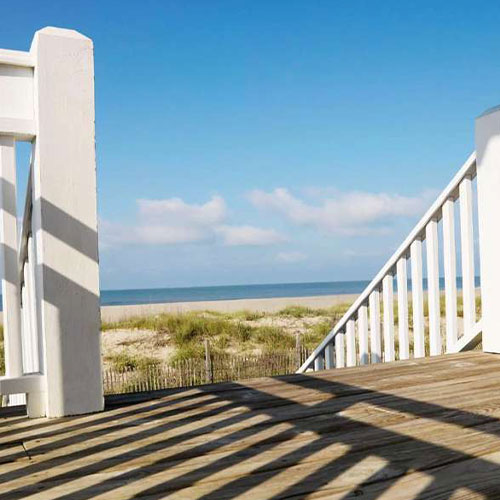
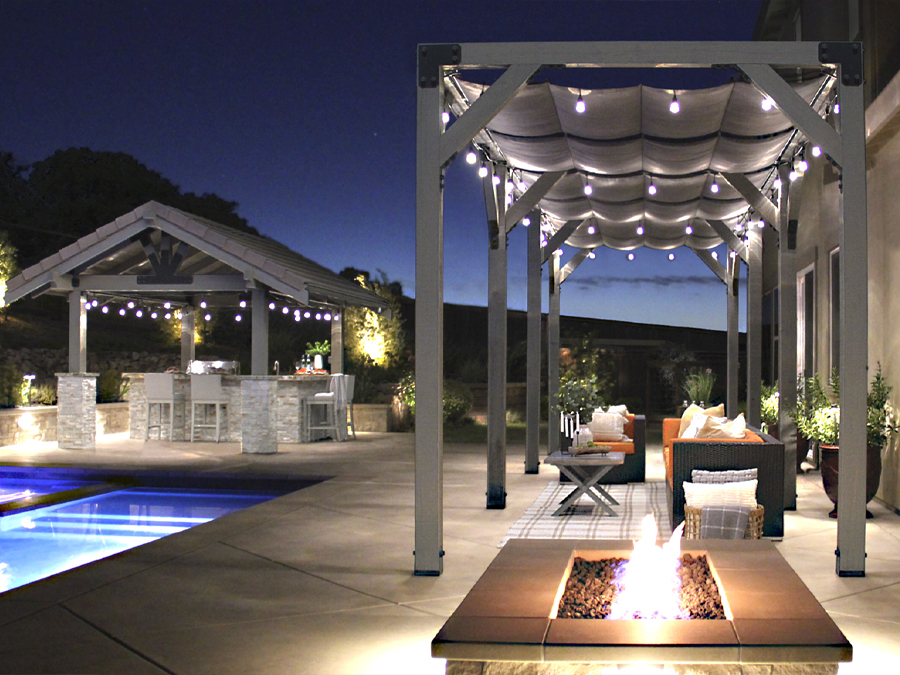
Where Great Backyards Begin
Whether you’re taking on a project for the love of the challenge, in need of a place to unwind, or creating spaces for family and friends — a strong, beautiful outdoor structure can make all the difference. Look through our ideas, tools and plans to find a project that sparks your interest.